
10 Proven Ways to Stop Spam Emails for Good
Spam emails are more than just annoying — they waste your time, clutter your inbox, and can even be dangerous. Phishing scams, malware links, and fraudulent offers all arrive disguised as normal email. Here are 10 proven strategies to dramatically reduce spam and take back control of your inbox.
Use a Disposable Email for Signups
The single most effective way to reduce spam is to stop giving your real email address to every website you visit. Use a free disposable email service like Quick Inbox for one-time registrations, free trials, and anything you don’t plan to use long-term.
Never Unsubscribe From Suspected Spam
Clicking “unsubscribe” in a spam email often backfires. It confirms to spammers that your email is active, which can lead to even more spam. Instead, mark it as spam and let your email provider’s filter handle it.
Enable Strong Spam Filters
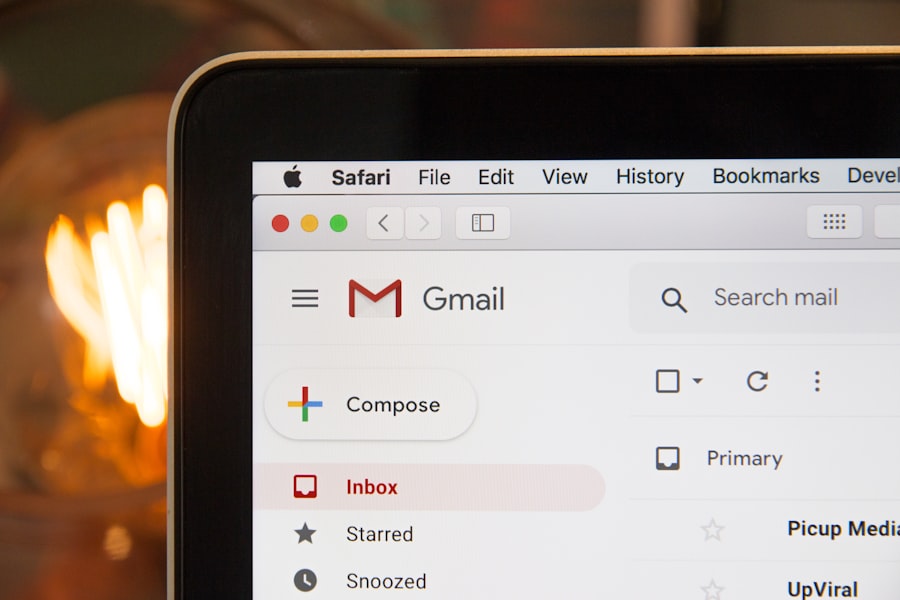
Most email providers (Gmail, Outlook, Yahoo) have spam filtering that you can tune. Go into your settings and make sure aggressive spam filtering is turned on. You can also create custom filters for recurring senders.
Don’t Post Your Email Publicly
Web crawlers (bots) scan websites, forums, and social media for email addresses to harvest. Never post your real email in a public comment, forum thread, or social media bio. Use a contact form instead.
Use Email Aliases for Different Services
Create separate email aliases for different categories — one for shopping, one for newsletters, one for work. This way, if one gets spammed, you can simply disable that alias without affecting the others.
Be Selective About Who Gets Your Real Email
Treat your real email address like your phone number — only give it to people and services you genuinely trust. Banks, employers, and close contacts yes. Random contest entries and free download sites — use a temp email instead.
Check Data Breach Databases
Use services like HaveIBeenPwned.com to check if your email has been exposed in a data breach. If it has, you’ll likely see an increase in spam — consider creating a fresh email address for important accounts.
Block Senders Aggressively
Don’t just delete spam — block the sender. Most email clients let you block specific senders or entire domains. Over time, this trains your filter and prevents the same sources from reaching you again.

Review App Permissions Regularly
Many apps request access to your email and contacts, which can be a source of spam if those apps share your data with marketing partners. Regularly review which apps have access to your email account and revoke permissions from ones you no longer use.
Consider a Fresh Email Address
If your current email is hopelessly overrun with spam, sometimes the best move is to start fresh. Create a new address, move your important contacts and accounts over, and this time protect it properly from day one using all the tips above.
The Fastest Fix: Use Quick Inbox
For most day-to-day spam prevention, using a disposable email address for non-essential signups is the single most impactful habit you can adopt. It takes less than five seconds and keeps your real inbox clean forever.
Stop Spam Before It Starts
Use Quick Inbox for your next website signup. Free, instant, no registration needed.
Get a Free Temp Email →